EARLY BIRD OFFER! Get a lifetime subscription for 50% off.
Install MCPPortable Harness v1 is out now!
The portable harness your AI agents are missing.
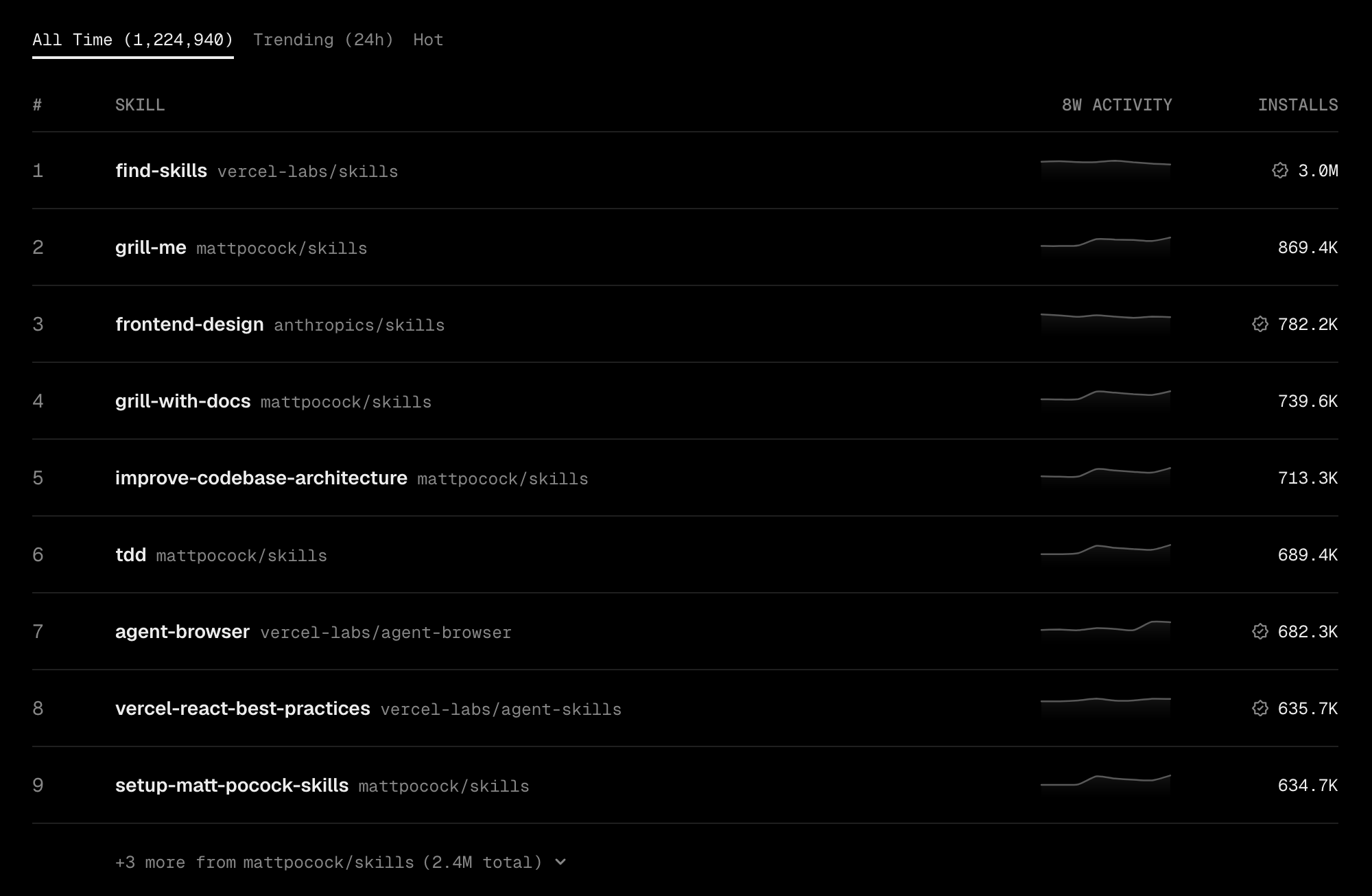
Portable harness connects your AI agents to 1M+ reusable skills, long-term memory, and advanced planning, so what they build starts with what already works.
Trusted by 142K+ professionals. Now available to your AI agents.
Ask anything.
Get things done.
Copy a prompt to try it yourself.
-
Push to deploy
- Morbi viverra dui mi arcu sed. Tellus semper adipiscing suspendisse semper morbi. Odio urna massa nunc massa.
-
SSL certificates
- Sit quis amet rutrum tellus ullamcorper ultricies libero dolor eget. Sem sodales gravida quam turpis enim lacus amet.
-
Simple queues
- Quisque est vel vulputate cursus. Risus proin diam nunc commodo. Lobortis auctor congue commodo diam neque.
-
Advanced security
- Arcu egestas dolor vel iaculis in ipsum mauris. Tincidunt mattis aliquet hac quis. Id hac maecenas ac donec pharetra eget.

AI agents do many things. But they don’t know what actually works. They're guessing... and it shows. Portable harness fixes that.

When to reach for portable harness?
Agent Friendly
Use portable harness with any agent that supports MCP (Model Context Protocol).
Performance
Lorem ipsum, dolor sit amet consectetur adipisicing elit maiores impedit.
Security
Morbi viverra dui mi arcu sed. Tellus semper adipiscing suspendisse semper morbi.

Share Your Skills
Sit quis amet rutrum tellus ullamcorper ultricies libero dolor eget sem sodales gravida.
Getting Started Guide
Set up in under a minute.
One config block. No API key. Works with Claude and Codex.
Upgrade to a paid plan
Get a lifetime subscription with a 50% discount.
Pick your AI tool
We will give you the exact command to run.
You can also connect non-coding tools like Claude Desktop. See all supported clients.
Register the portable harness MCP server
Open a terminal and run this command.
claude mcp add portable-harness --scope user --transport http https://v1.portable-harness.com/mcp/oauth
Open the MCP menu
Start a new Claude Code session in your terminal. In the list of MCP servers, select portable-harness.
claude /mcp
Authorize
Select Authenticate. A browser window will open automatically. Sign in with your portable harness account to authorize access.
You're set
Portable harness is connected. Start prompting.
FAQ
What is an MCP server?
MCP (Model Context Protocol) is a way for AI agents and tools to connect to outside data. Portable harness server lets your AI agent search our library of real world skills and prompts directly.
Which tools work with portable harness?
Claude, Codex, Cursor, Lovable, and more to come.
Do I need a paid portable harness subscription?
Yes. Portable harness access requires a paid subscription.
Your AI agents are guessing.
They don’t have to.
Whatever you're doing, there's a skill that's already solved it. Search thousands of skills, from household names to hidden gems.